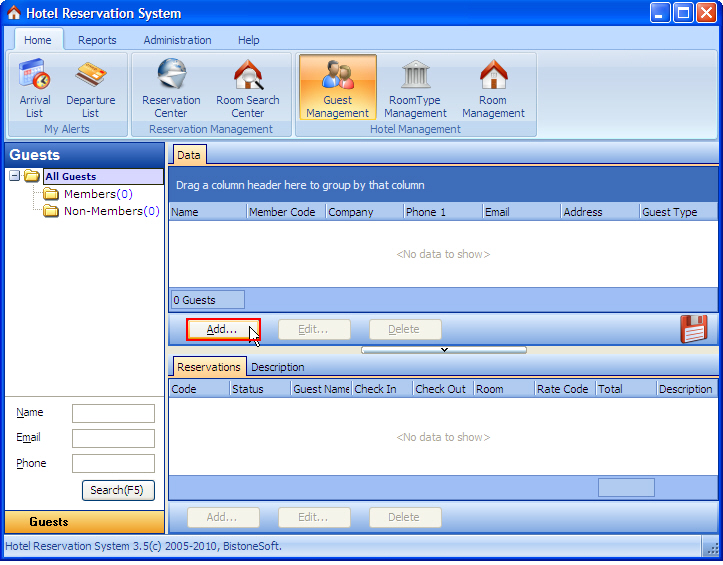
i) Go to Guest Management Section and Click Add Button, as Figure 1 shows (notice the red box)
Figure 1 Click Add Button
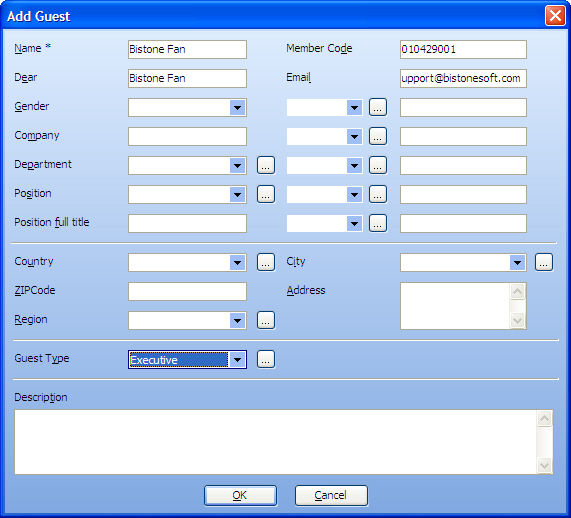
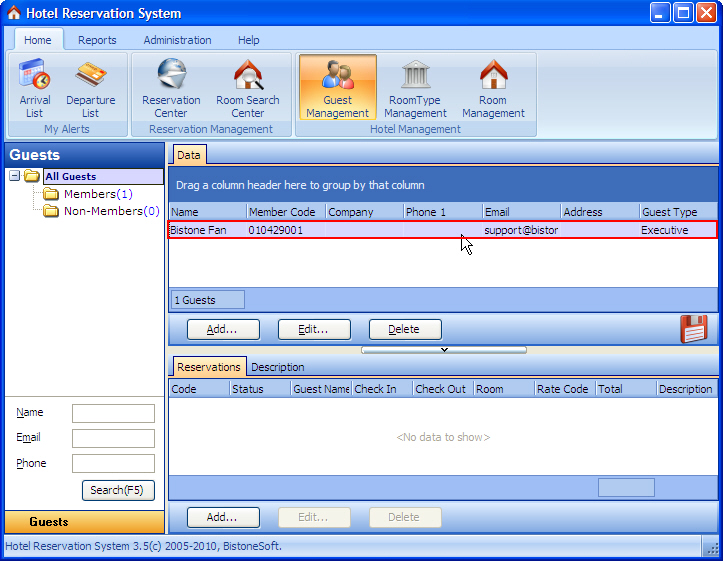
ii) Enter guest name and member code, as Figure 2 shows Figure 2 Edit Guest Dialog iii) Then Click OK Button, the member guest is added to Right Guest List, as Figure 3 shows
ii) Enter guest name and member code, as Figure 2 shows
Figure 2 Edit Guest Dialog
iii) Then Click OK Button, the member guest is added to Right Guest List, as Figure 3 shows
Figure 3 Guest List


 Hotel
Reservation System Quick Start
Hotel
Reservation System Quick Start